Checkout/In Hours Door #12
Monday : 10 - 12
Tuesday : 10 - 2
Wednesday : 10 - 2
Thursday : 10 - 3
Friday : 10 - 5
Closed:
Saturday - Sunday
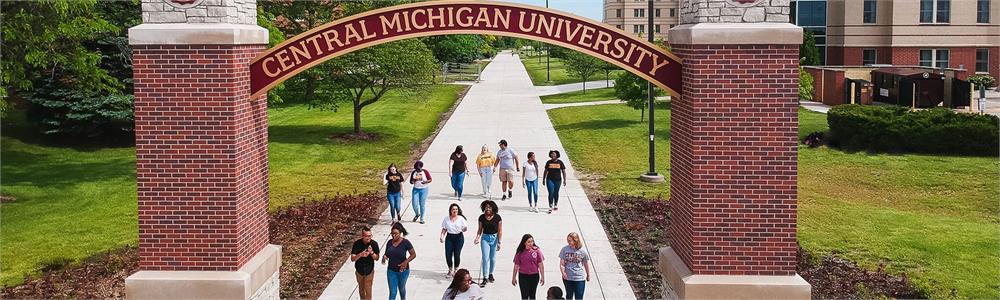
Welcome to connect2, the online resource booking systems for Central Michigan University. We have a variety of equipment that can be booked by students and faculty.
 Open hours
Checkout/In Hours Door #12
Monday : 10 - 12
Tuesday : 10 - 2
Wednesday : 10 - 2
Thursday : 10 - 3
Friday : 10 - 5
Closed:
Saturday - Sunday
 Contact us
Spring 2026 Contacts
If you have trouble with Connect2, please email
mooregear@cmich.edu or call (989) 774-6434.


 Announcements
Have you signed your major and minor yet?
Make sure you check what scholarships you can apply for!
 Help
Help"Where are you located?"
You can find the equipment check out door #12 near the dumpsters as you come in from the parking lot to Moore Hall. A satellite photo can be found here.
"Why can't I add anything to my basket?"
After you access the site initially your account needs to be manually placed into the correct permission role. It's possible you've accessed the site before the correct role has been assigned, so email mooregear@cmich.edu for clarification.
"Why can't I checkout ______?"
Every permission role is given access to certain gear. This gear is determined both by the equipment checkout manager, but also the faculty that teaches the corresponding class. If you feel something should be included to your current permission structure, feel free to email mooregear@cmich.edu as well as the faculty of the class you're in and explain your reasoning.
 Policies
Resources are checked out for 24 hours except Fridays through the weekend with Monday returns.
If you require a longer checkout period, please email mooregear@cmich.edu what you need, why you need it, how long you need it, as well as faculty approval if applicable.
Please be on time for both your check in and checkout times. If you're over an hour late to your check in without emailing mooregear@cmich.edu in advance a strike will be placed on your account. After 3 strikes in 1 academic year you will no longer be able to checkout equipment. Strikes reset after the school year concludes.
 from Lorensbergs
(version 3.22.9335.26330) | Registered to: Central Michigan University - College of the Arts and Media - School of Communication Journalism & Media (Equipment Store)
from Lorensbergs
(version 3.22.9335.26330) | Registered to: Central Michigan University - College of the Arts and Media - School of Communication Journalism & Media (Equipment Store)
 Useful links